- Role
- UX/UI Designer — mobile app concept
- Scope
- Research, IA, prototype, UI, app icon
- Type
- Concept project · iOS, Android, web · 2022
- Tools
- Figma · Miro
Trulia
A UX/UI concept for the Trulia real estate app — discover a home and a neighbourhood you’ll love to live in.

- 01Overview
- 02The challenge
- 03Process
- 04Foundations
- 05The screens
- 06Next project
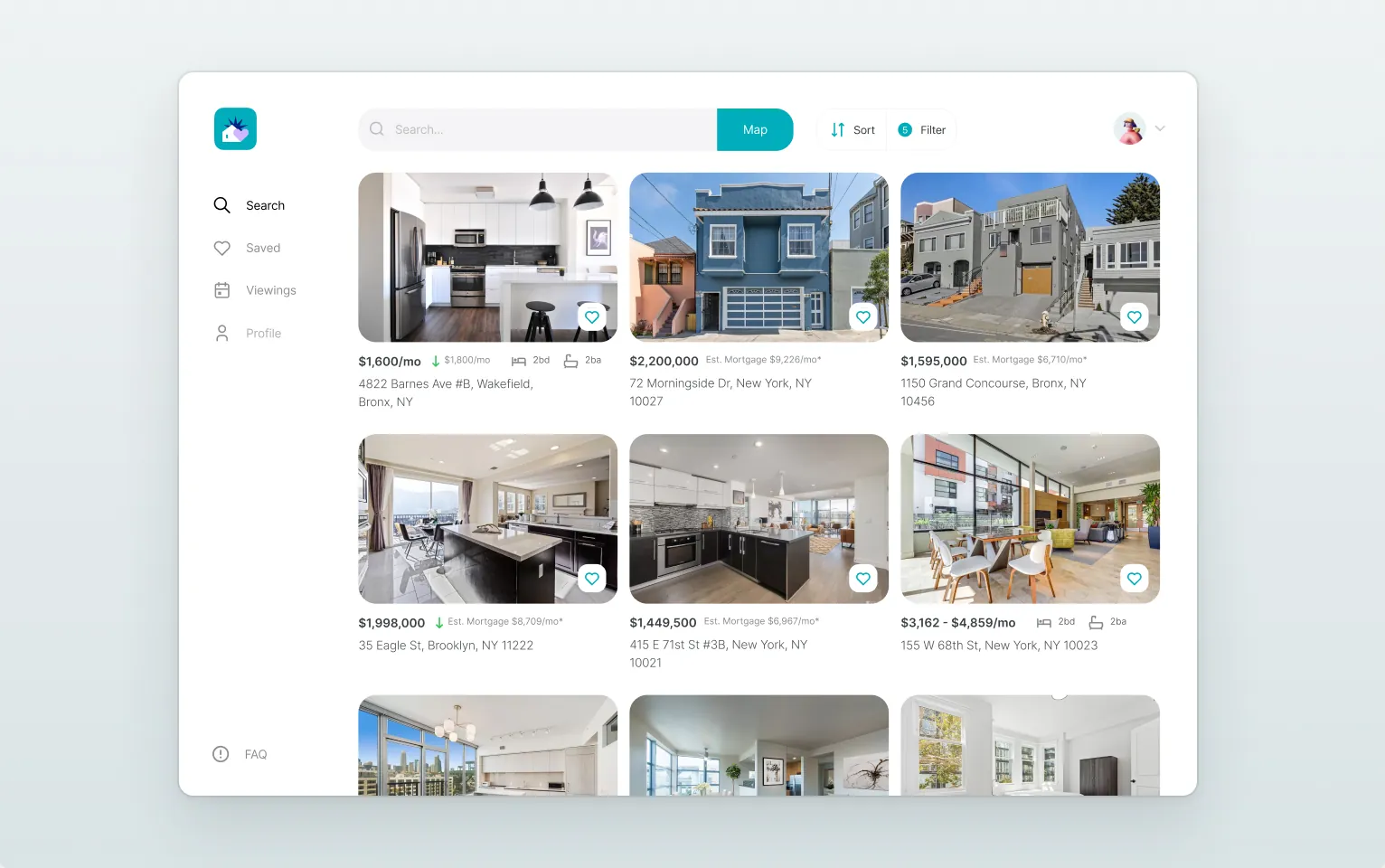
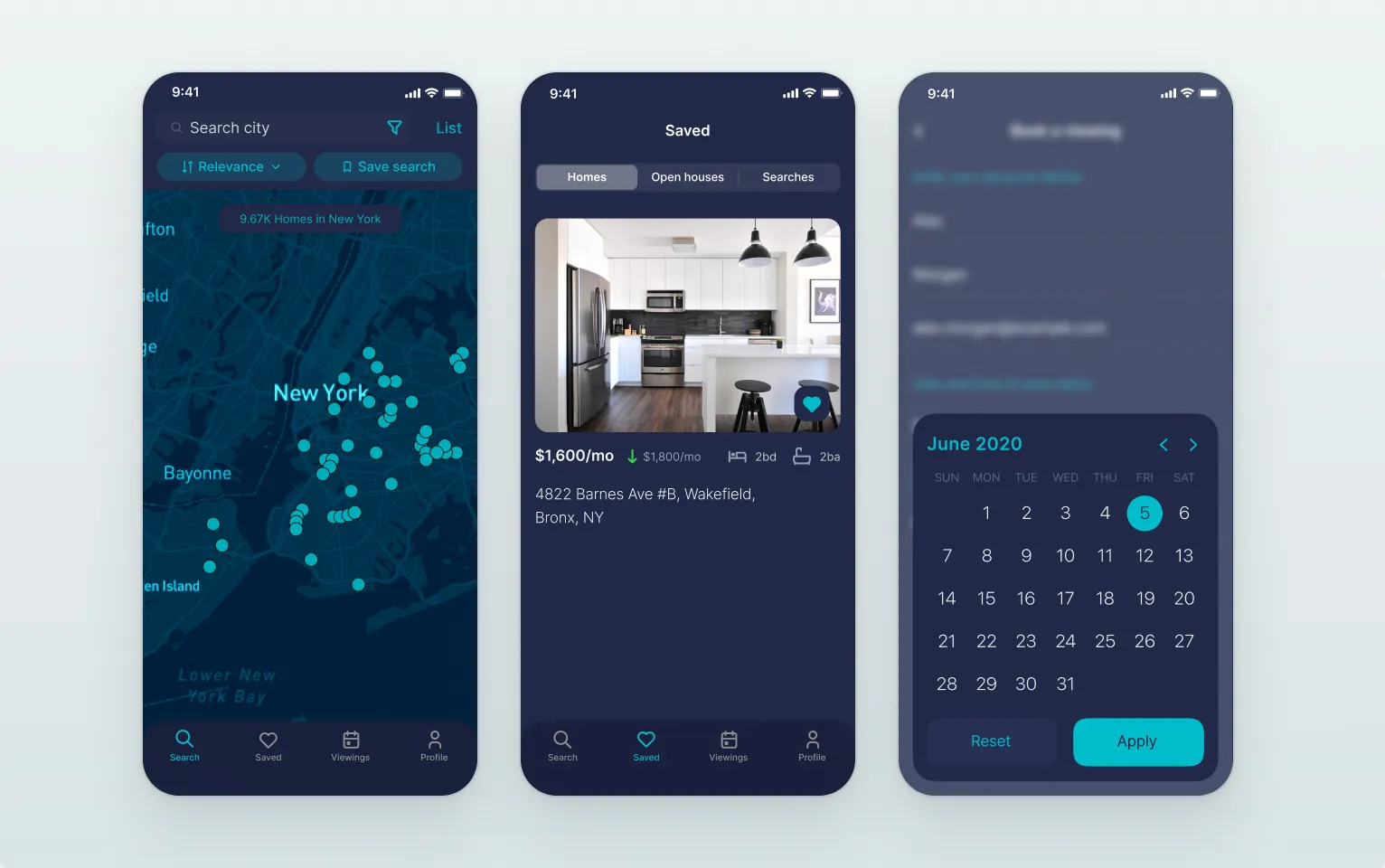
Trulia helps people buy or rent a home with neighbourhood photos, resident reviews and local insights. In this concept I redesigned the mobile app end to end: competitor analysis, user interviews, personas and a customer journey map, the app map and wireframes, a functional and an interactive prototype, then 140+ final screens for iOS with Android and web adaptations, a design system and the app icon.
The challenge
Finding a home means two lists, dozens of papers and a lot of patience. The app had to make the search feel calm and local and keep every step in one place — without endless listings.
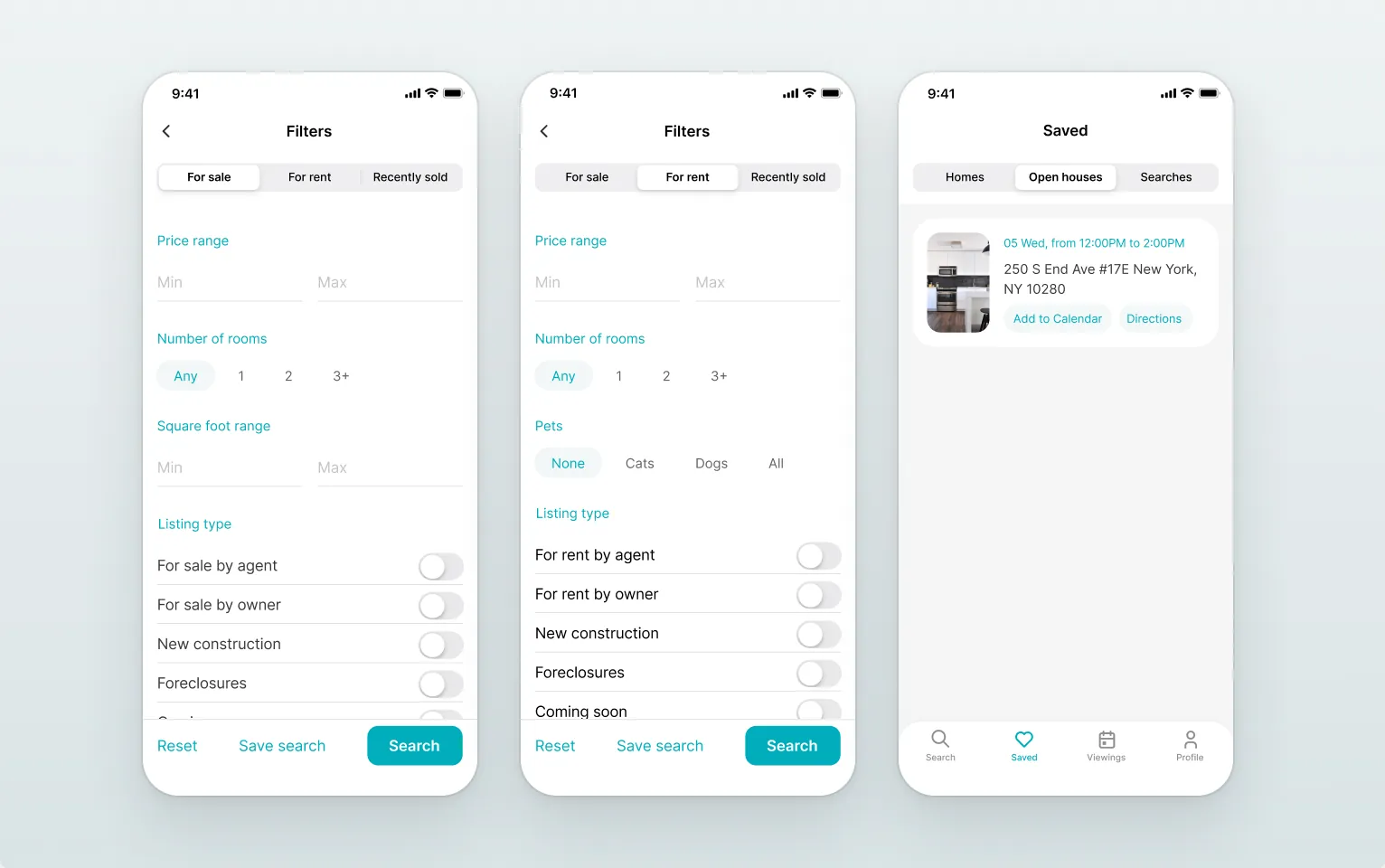
- 0135+ filters, one search
- 02The neighbourhood, not just the house
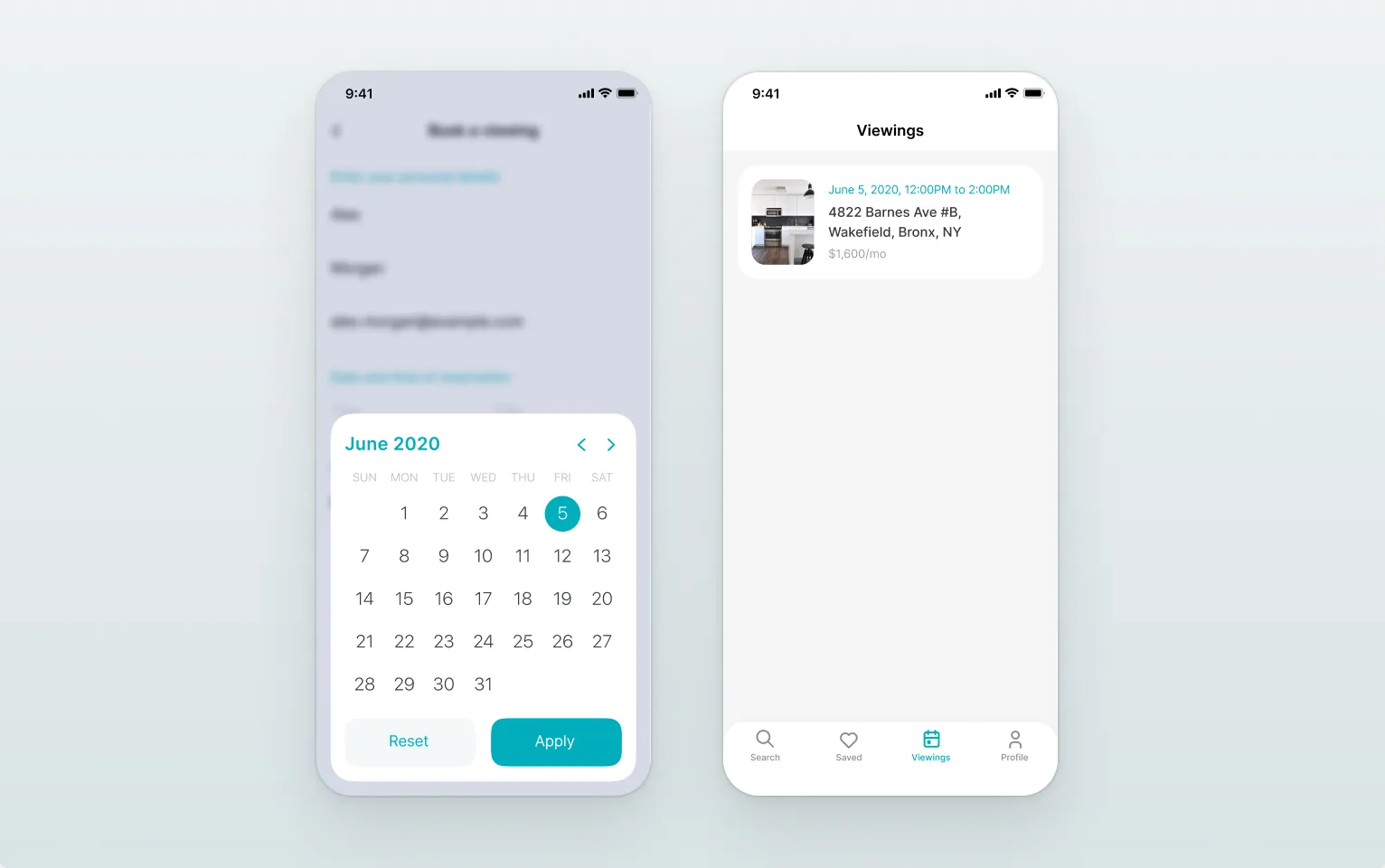
- 03From viewing to booking
Process
- 01
Research
Competitor analysis, user interviews, an empathy map, personas and a customer journey map.
- 02
Structure
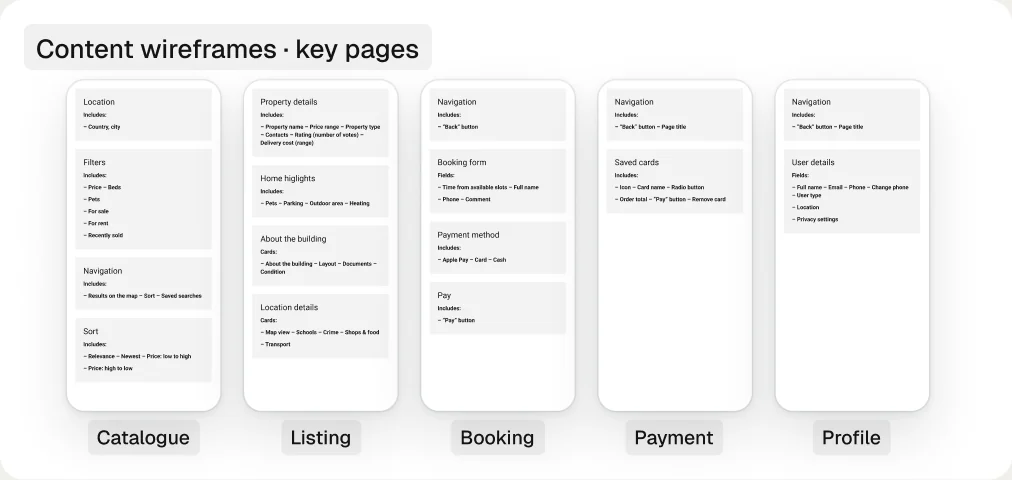
A mind map, the app map and wireframes for search, listings, map view and booking.
- 03
Prototype
A functional, then an interactive prototype with ease-out 300 ms transitions, tested with users.
- 04
Design
A 60+ image moodboard, a design system and 140+ screens for iOS, Android and web, plus the app icon.
Foundations
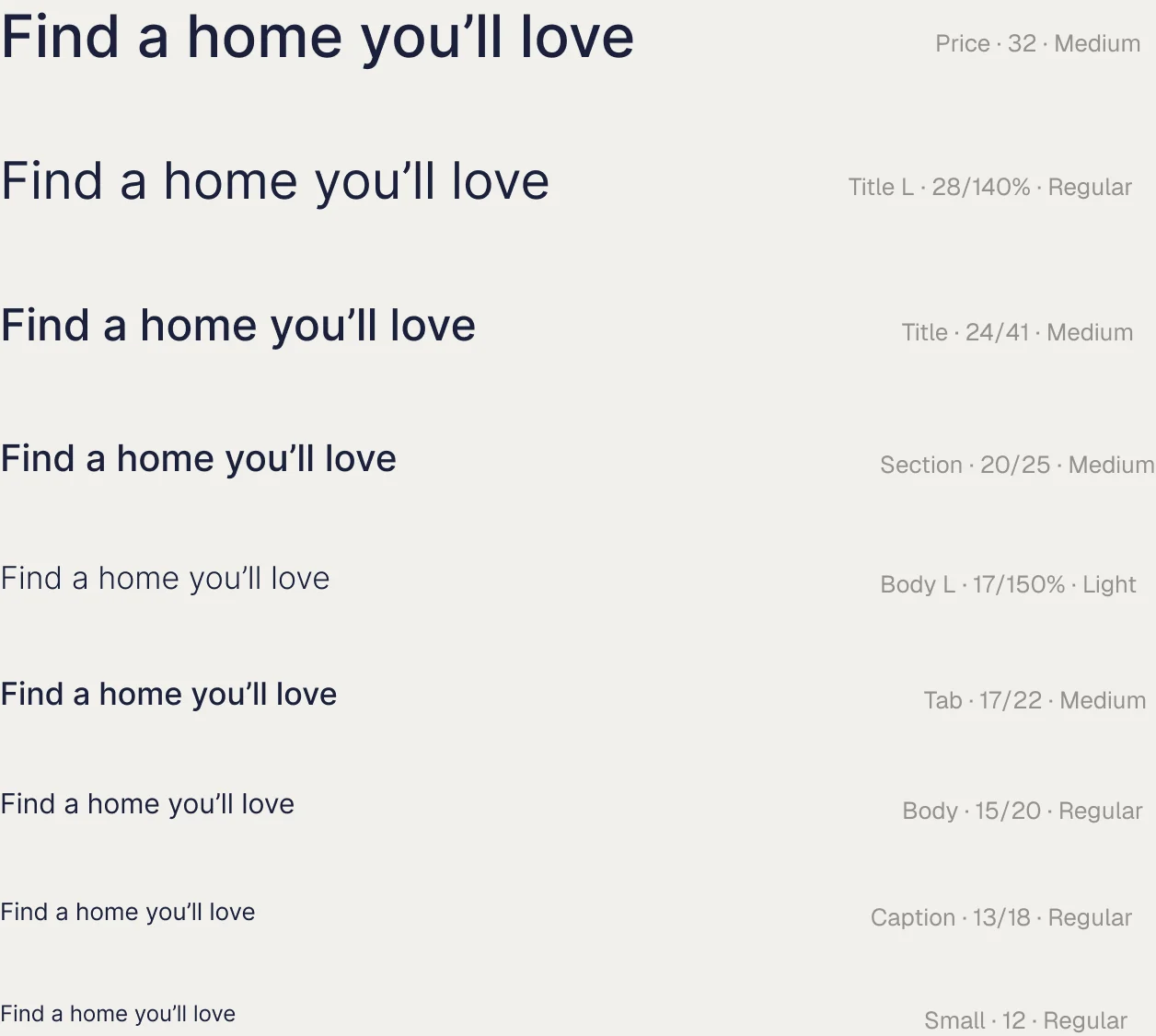
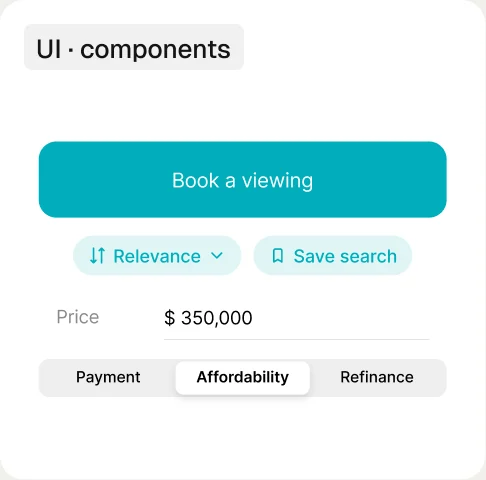
A calm, light interface: navy for type, one teal accent, iOS green and red for status, a pale mint for secondary buttons and selected chips — and one typeface across the whole app, Inter in Light, Regular and Medium.
- Navy · text
- Teal · accent
- Green · status
- Red · alerts
- White
- Mint · chips

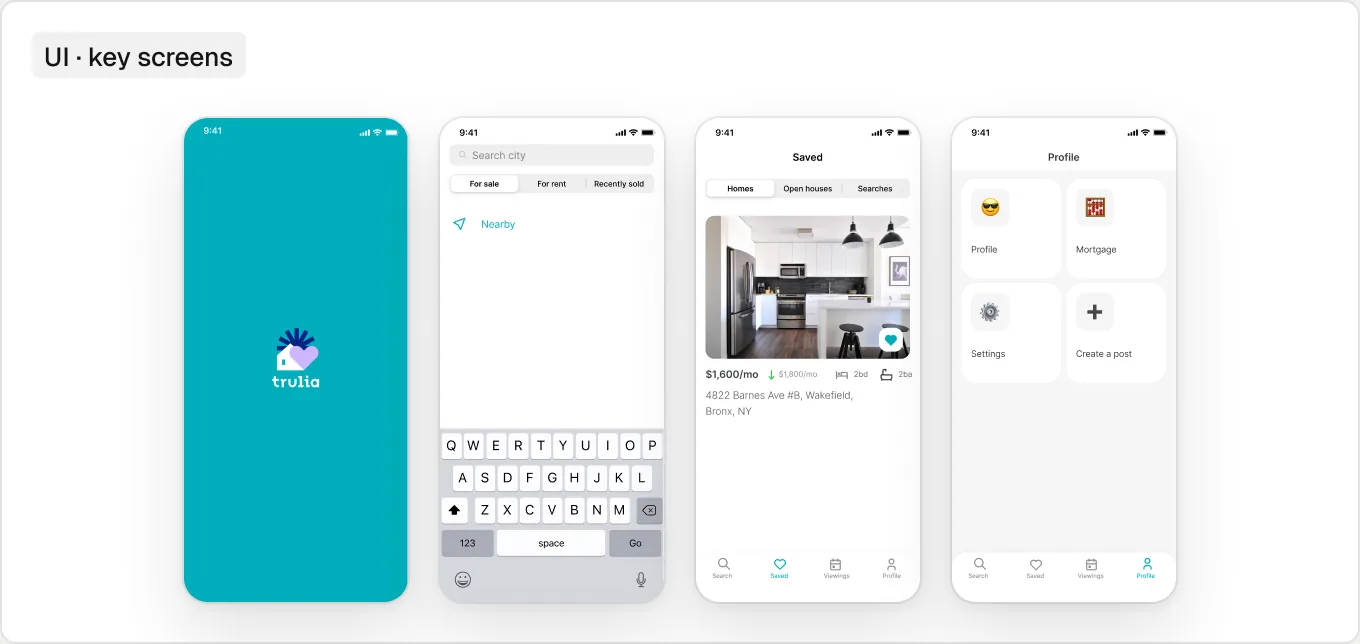
The screens
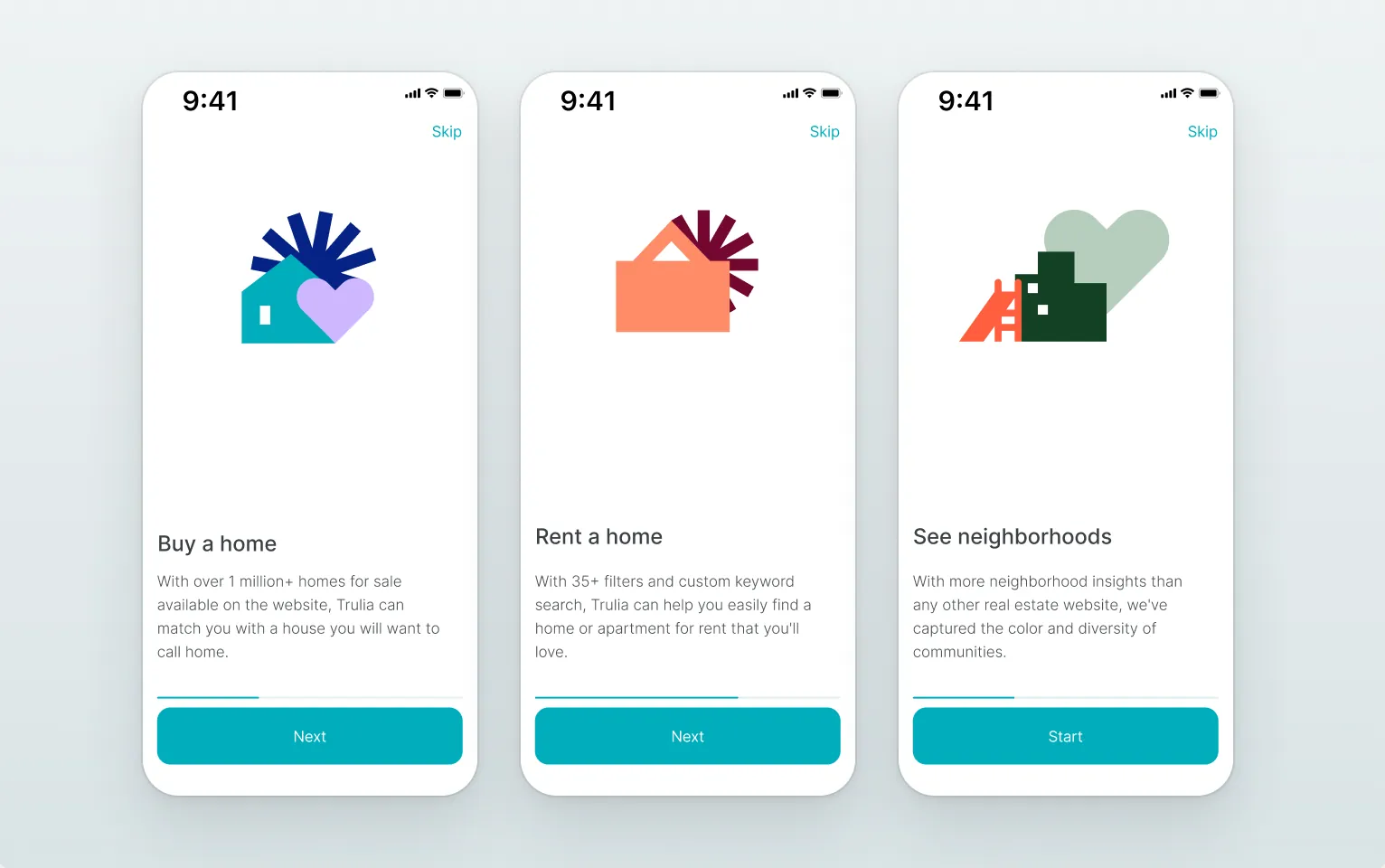
- Onboarding
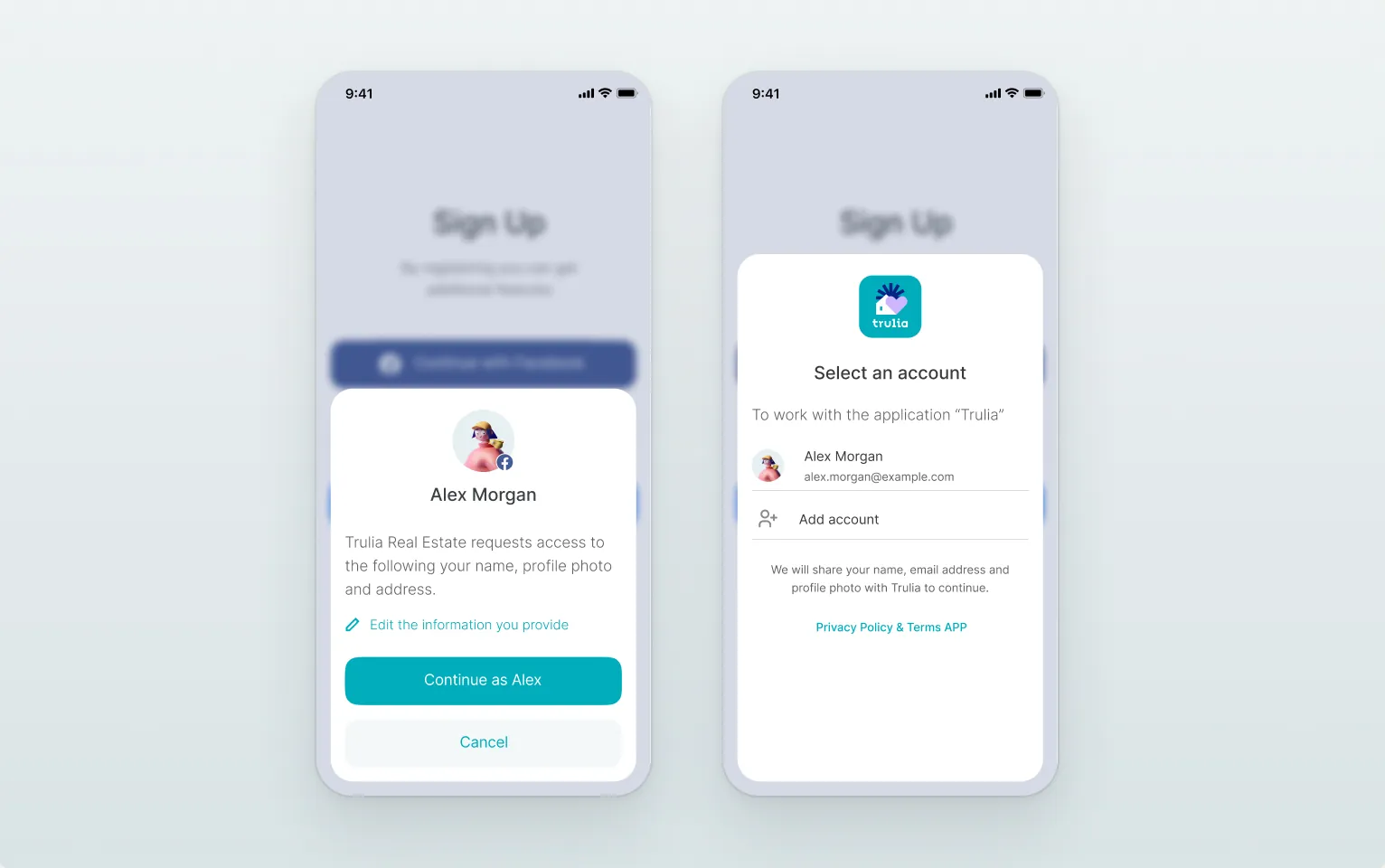
- Sign up
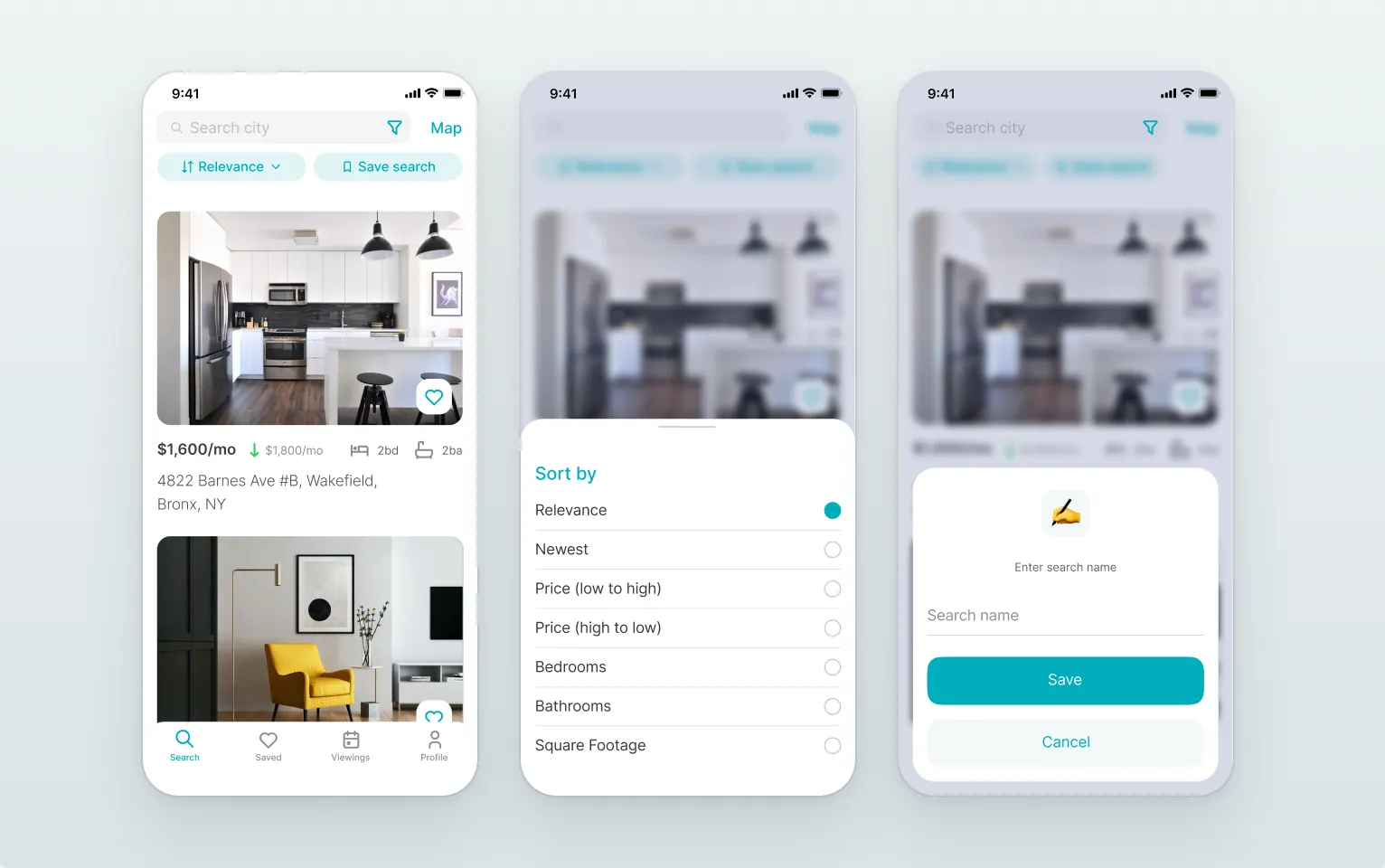
- Search, sort & save
- Filters & saved searches
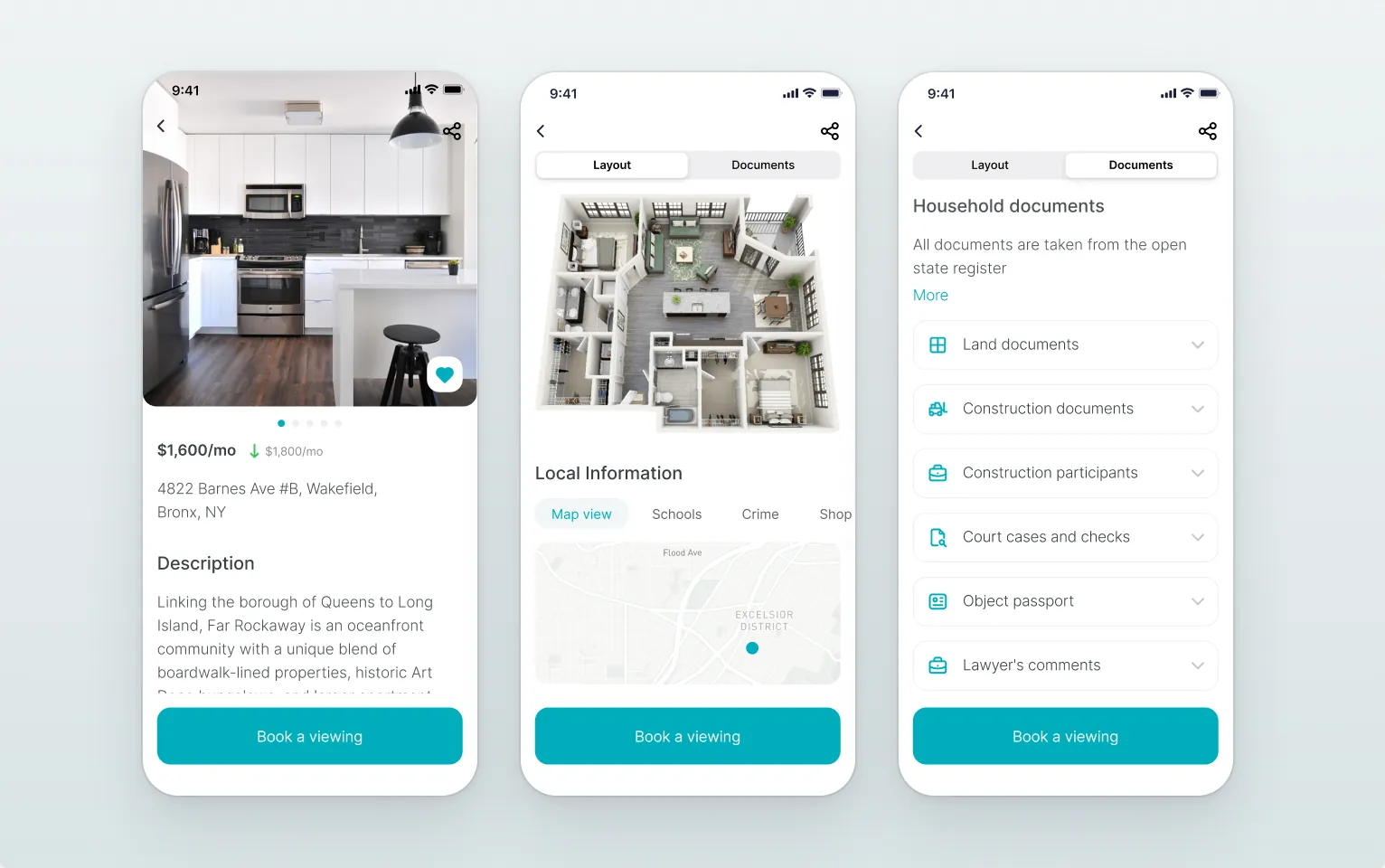
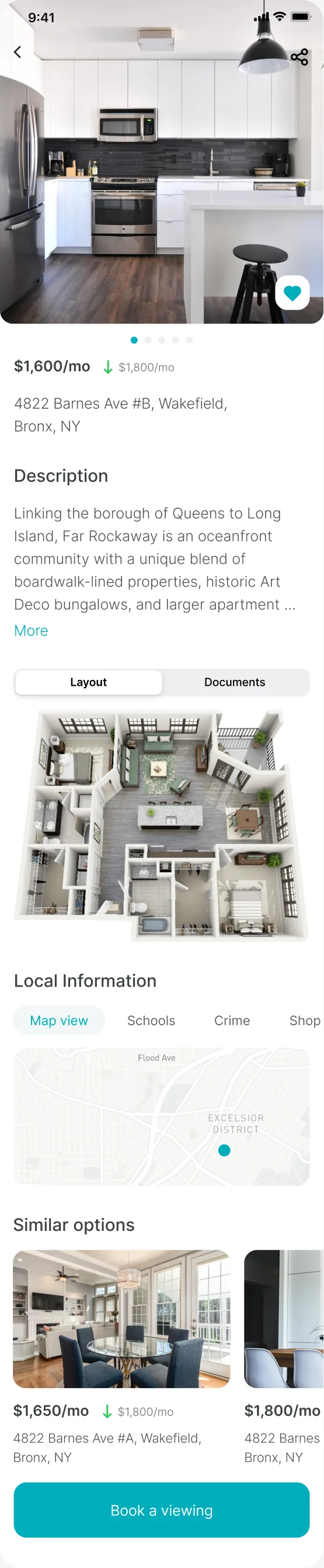
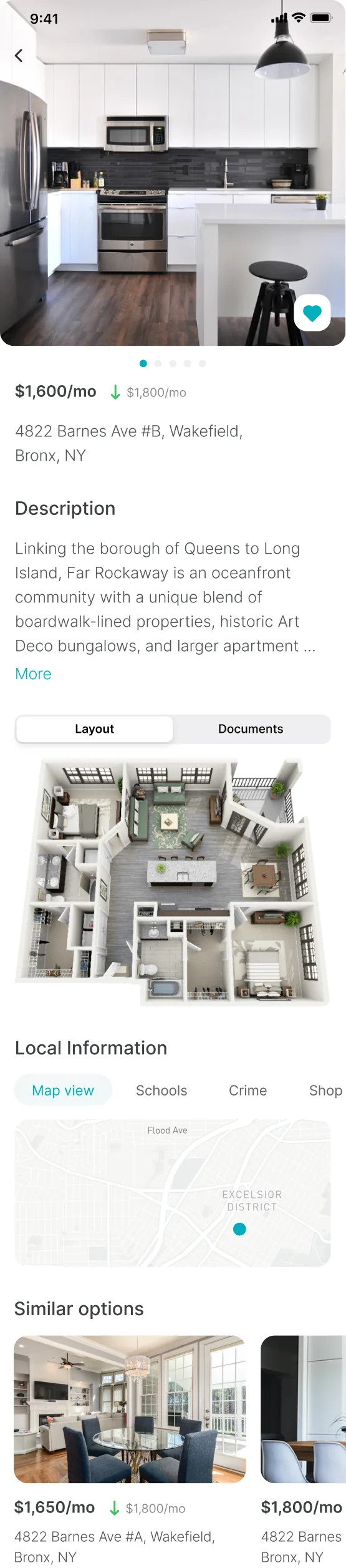
- Listing in depth
- Book a viewing
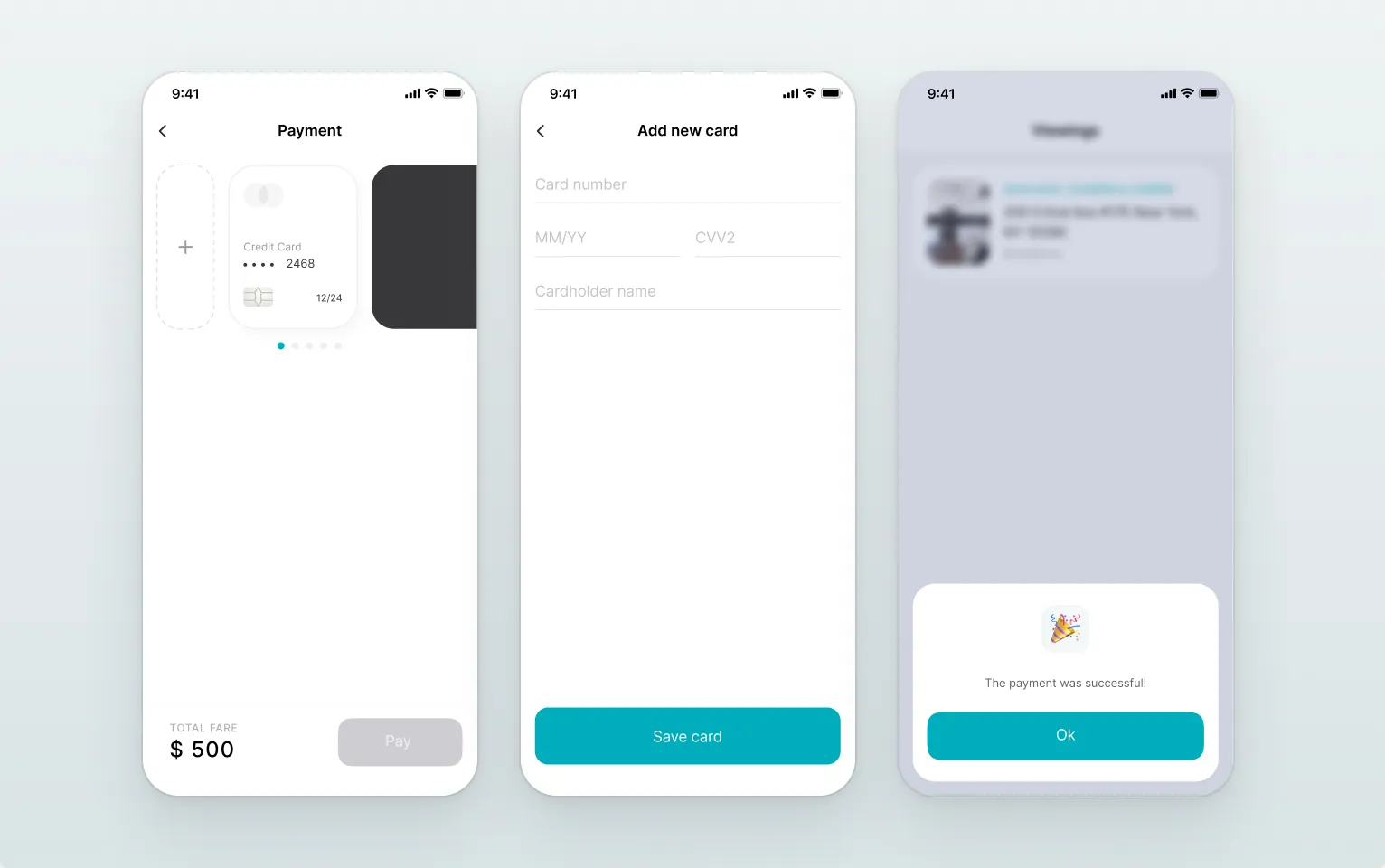
- Payment
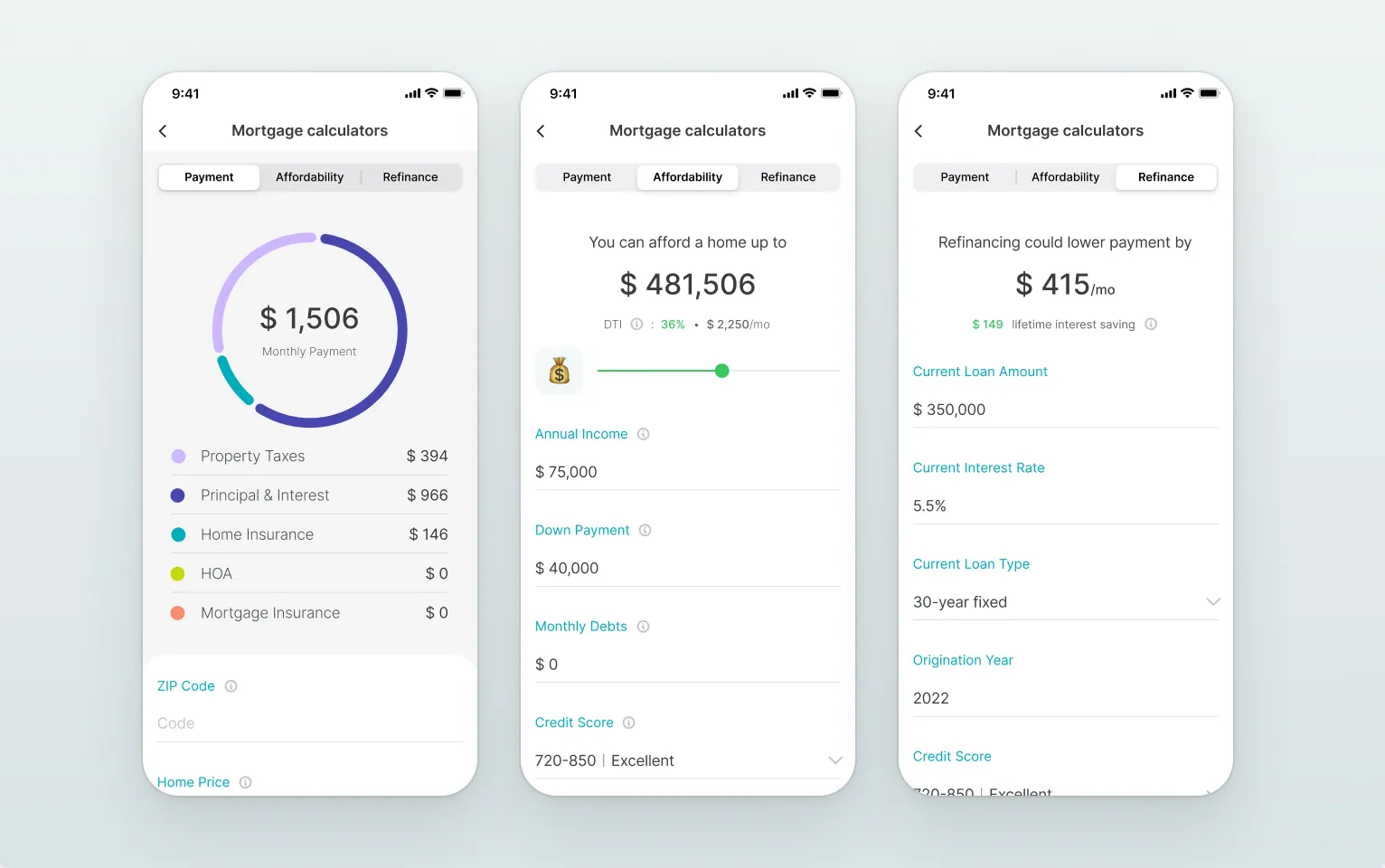
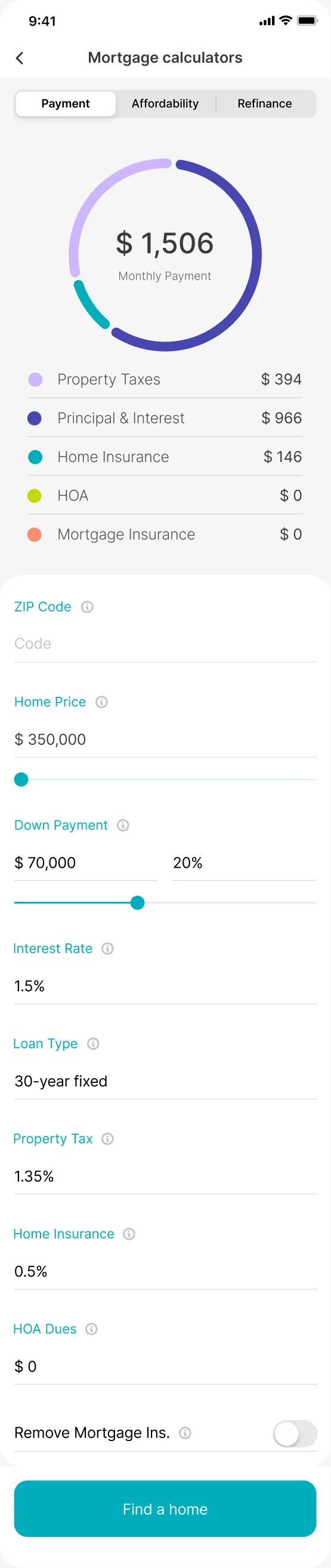
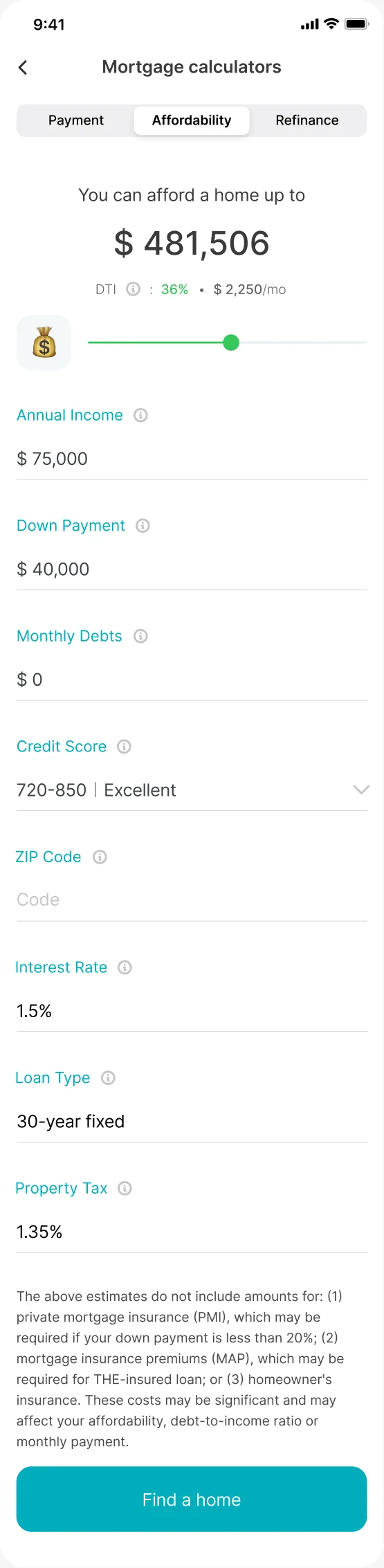
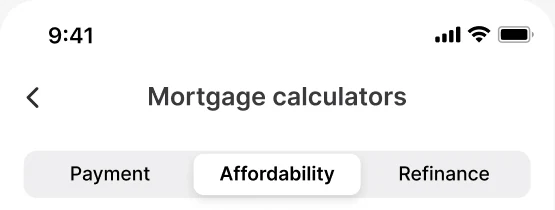
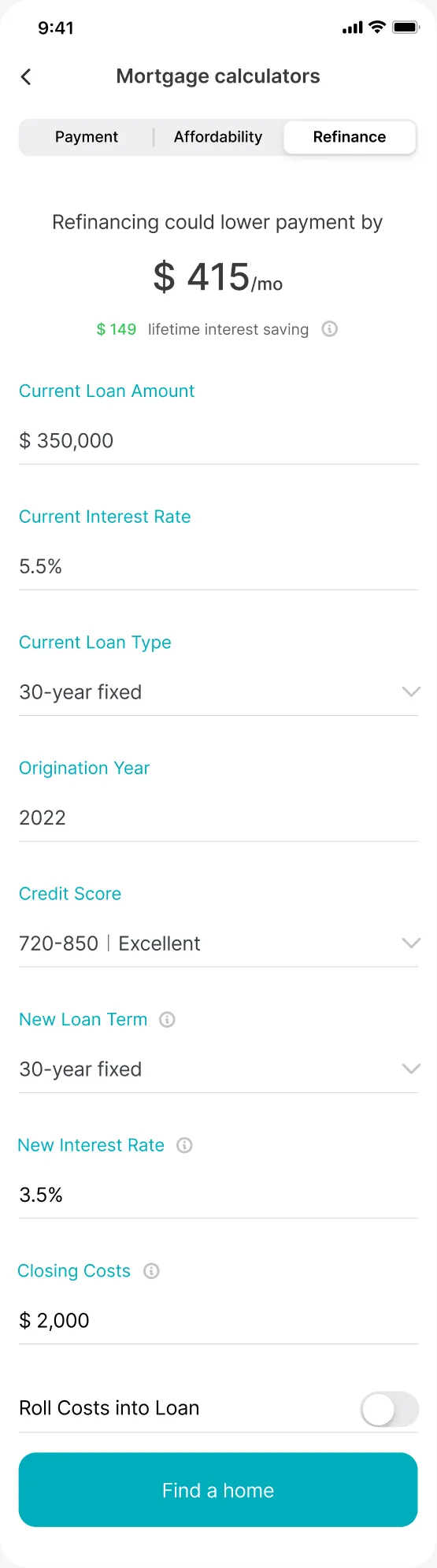
- Mortgage calculator
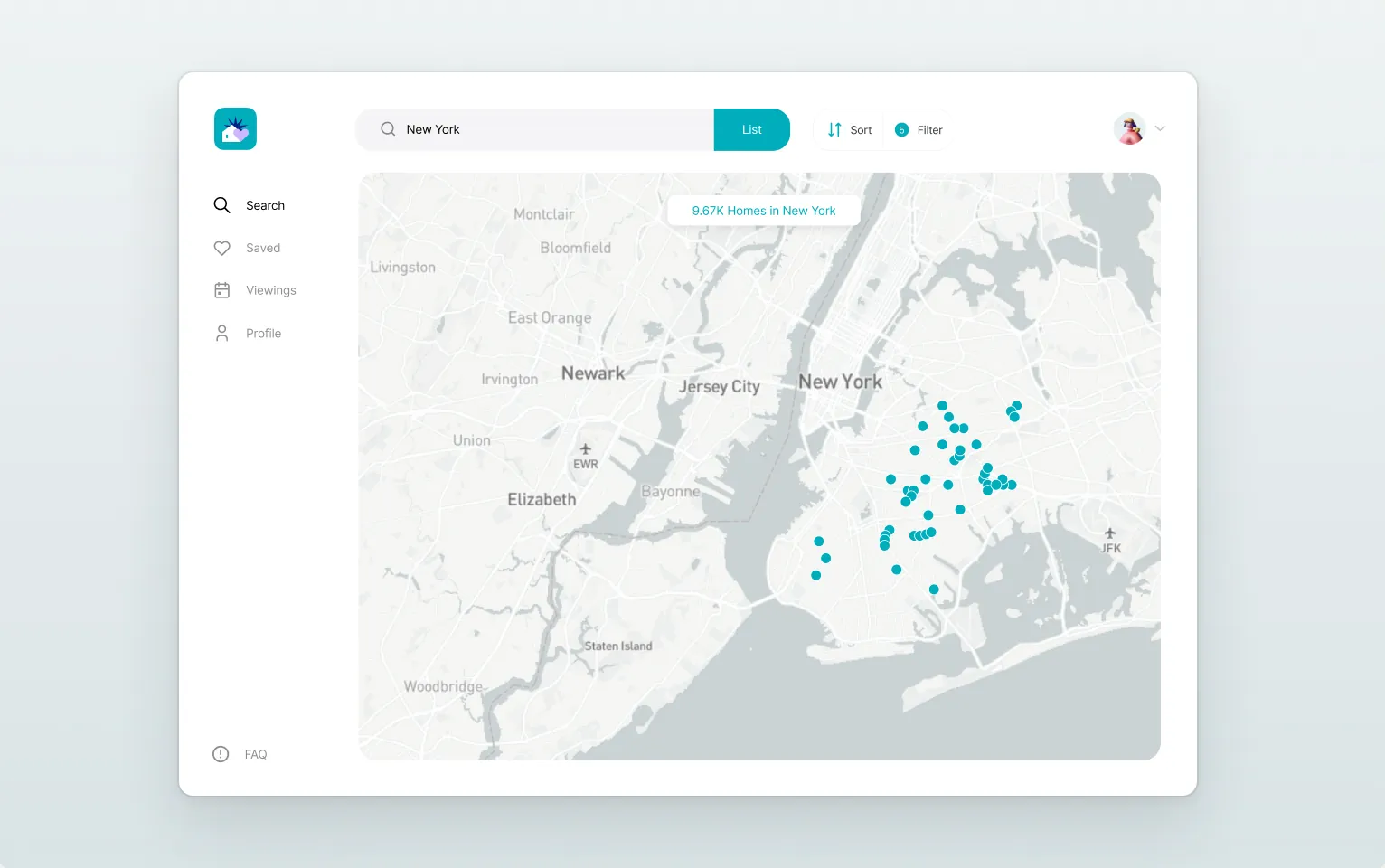
- Web version
- Android version
- Dark mode · iOS
Search sits at the centre: filters, saved searches and the map are one tap away, and every listing opens into the neighbourhood — schools, crime, documents and similar homes — before you book a viewing.